Monitors
All our monitors reviews and guides.
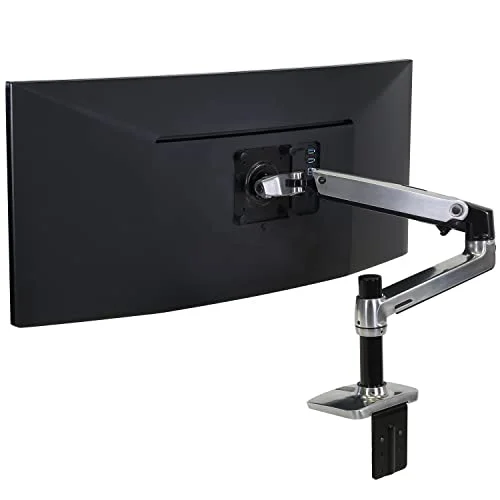
Best VESA Monitor Mounts for Home Offices in 2026
Best VESA monitor mounts for home offices in 2026, ranked by weight capacity, adjustability, and wall vs. desk mounting.
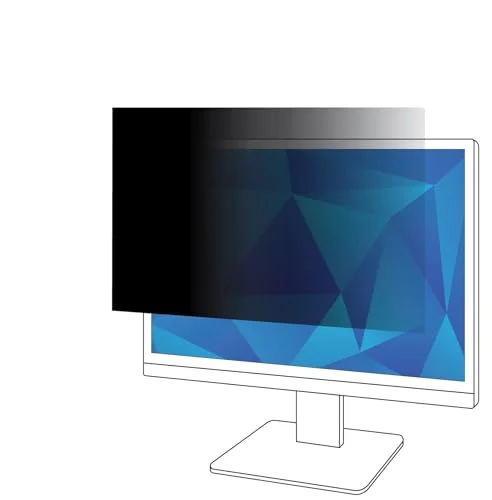
Best Privacy Screens for Monitors in 2026
Best privacy screens for monitors in 2026, ranked by viewing-angle blackout, brightness loss, and mount type for open offices and coworking spaces.
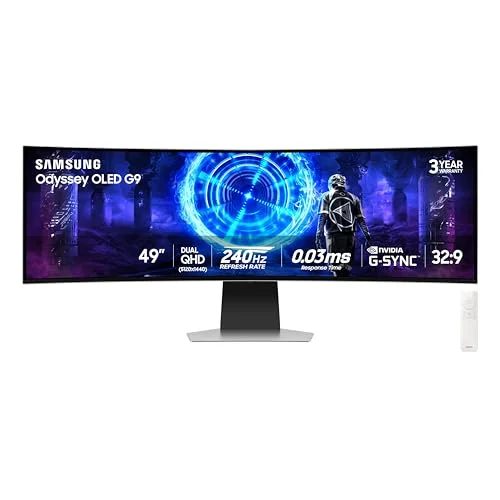
Best 49-Inch Super Ultrawide Monitors in 2026: Dual-Monitor Replacements Ranked
The best 49-inch super ultrawide monitors in 2026, ranked by panel type, refresh rate, and ports for dual-monitor setups.
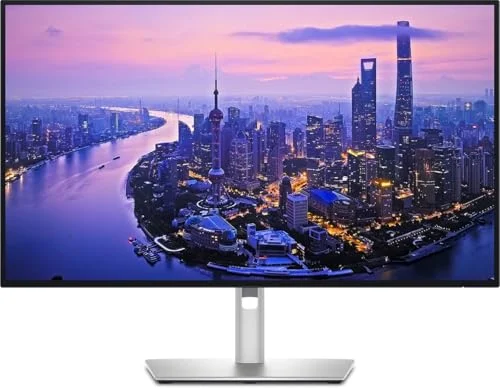
Best USB-C Monitors for MacBook in 2026: Single-Cable Display Setups Ranked
Best USB-C monitors for MacBook in 2026, ranked by power delivery, Mac color matching, and single-cable setup for remote workers.
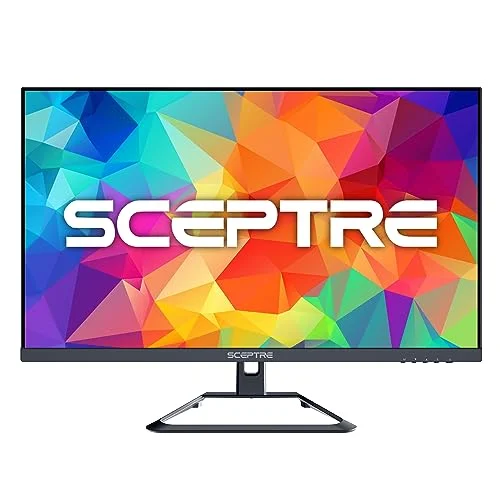
Best Budget 4K Monitors Under $200 in 2026: Affordable Ultra-HD for Home Office
The best budget 4K monitors under $200 in 2026, ranked by panel quality, refresh rate, and ports for remote workers.
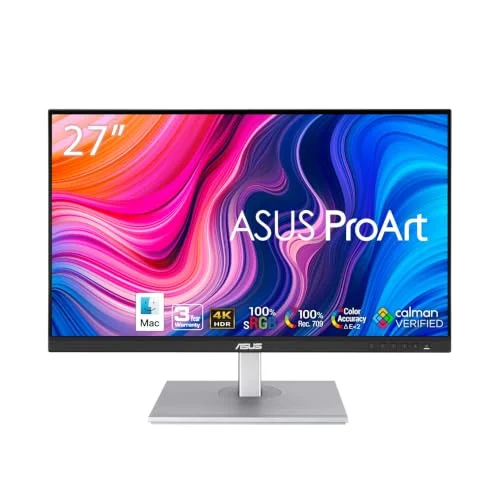
LG vs ASUS Monitors for Home Office in 2026: Which Brand Should Remote Workers Choose?
LG vs ASUS monitors for home office in 2026, compared on color accuracy, stand ergonomics, and warranty for remote workers.
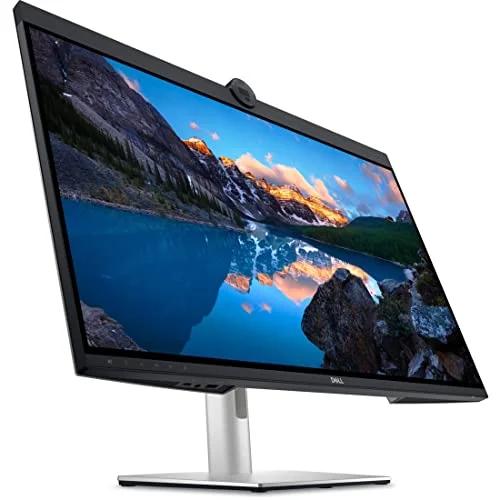
Best Monitors With Built-In Webcam in 2026: All-in-One Video Call Setup
Best monitors with built-in webcams in 2026, ranked by video quality, mic performance, and docking for remote workers on back-to-back calls.
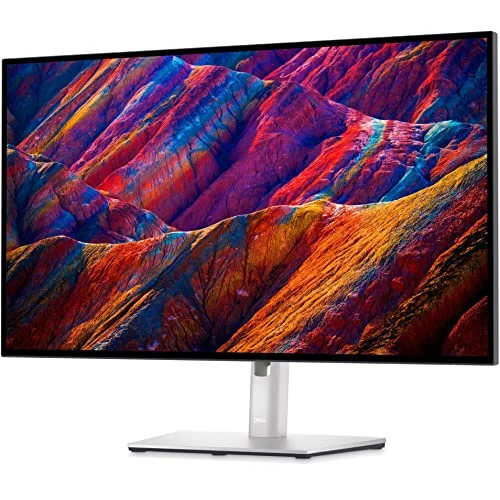
Best Monitors for CAD and 3D Design in 2026: Professional Displays Ranked
Best monitors for CAD and 3D design in 2026, ranked by color accuracy, contrast, and CAD/CAM modes for engineers and designers.
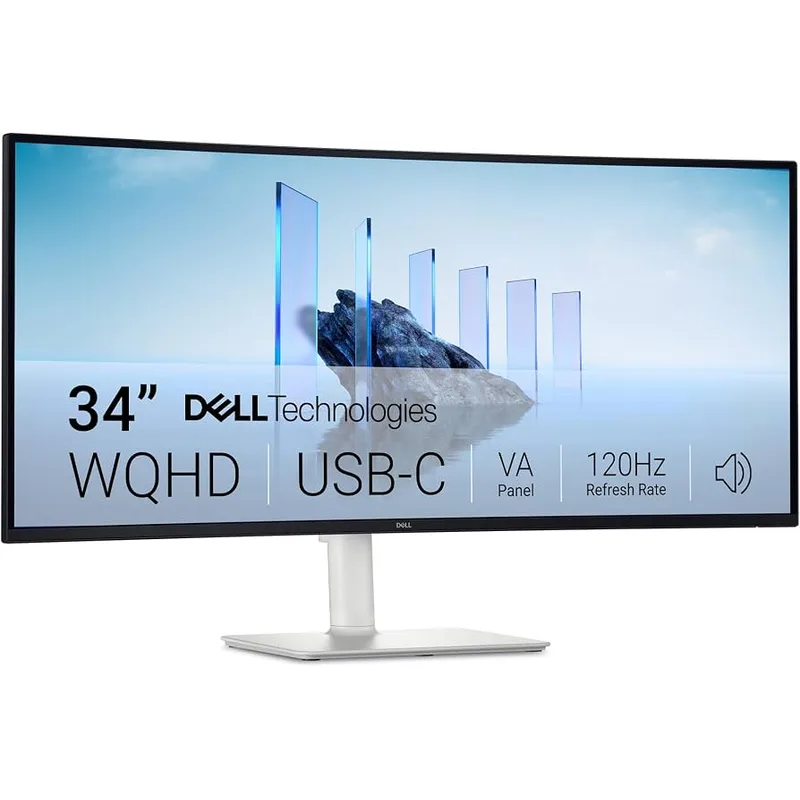
Ultrawide vs Dual 4K Monitor Setup in 2026: Which Is Better for Remote Work?
Ultrawide vs dual 4K monitors for remote work in 2026, compared by desk space, pixel density, GPU load, and productivity workflow for home offices.

Best 4K Monitors for Programming in 2026: Screen Real Estate for Code That Does Not Quit
Best 4K monitors for programming in 2026, ranked by pixel density, text clarity, and USB-C connectivity for software developers working remotely.
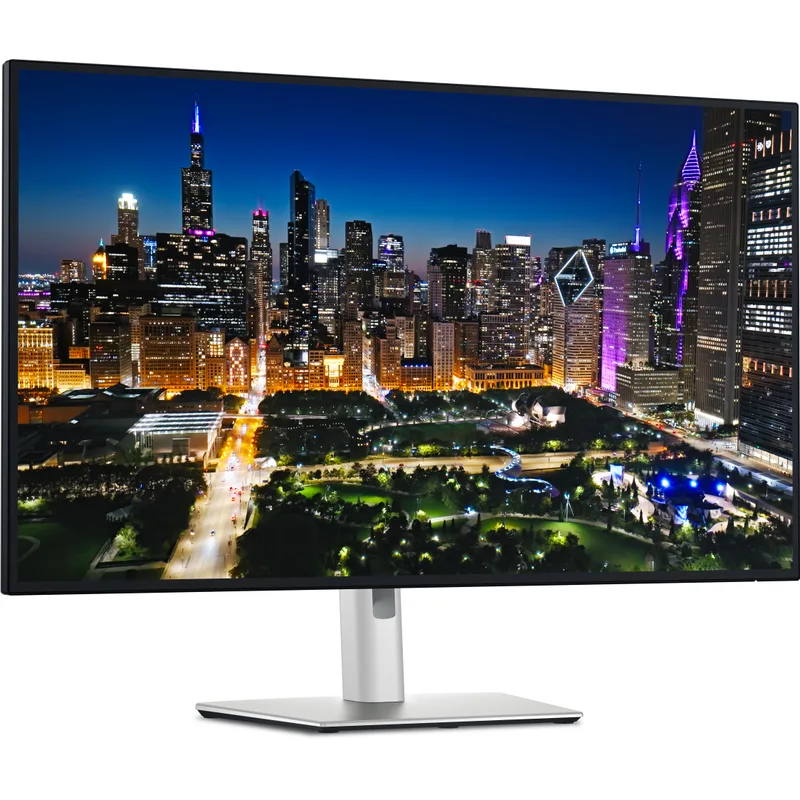
Best Monitors for Spreadsheets and Data Work in 2026: Wide, Bright, and Easy on the Eyes
Best monitors for spreadsheets and data work in 2026, ranked by screen real estate, text clarity, and eye comfort for all-day data sessions.
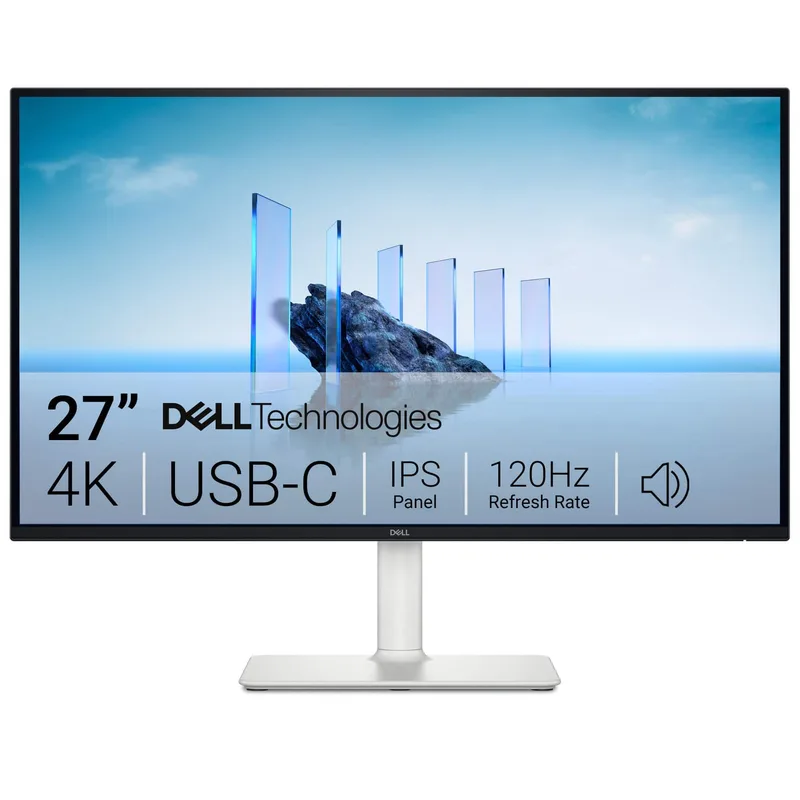
Best USB-C Monitors Under $300 in 2026: Single-Cable Setups on a Budget
Best USB-C monitors under $300 in 2026, ranked by power delivery, resolution, and single-cable setup ease for remote workers on a budget.
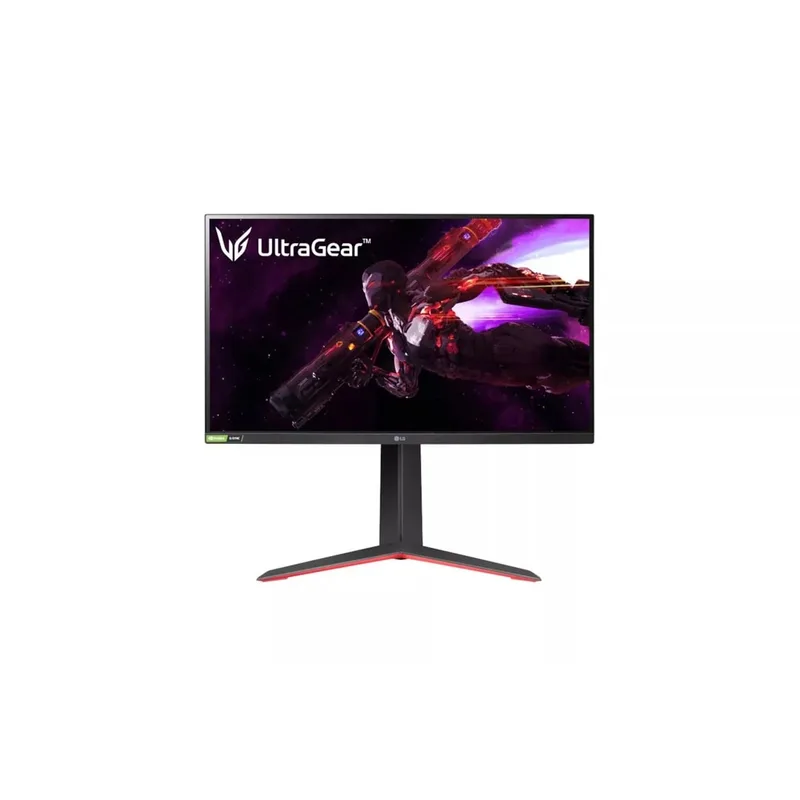
Best 27-Inch 1440p Monitors for Home Office in 2026: QHD Sweet Spot Picks
Best 27-inch 1440p monitors for home offices in 2026, ranked by panel quality, refresh rate, and USB-C connectivity for remote workers.
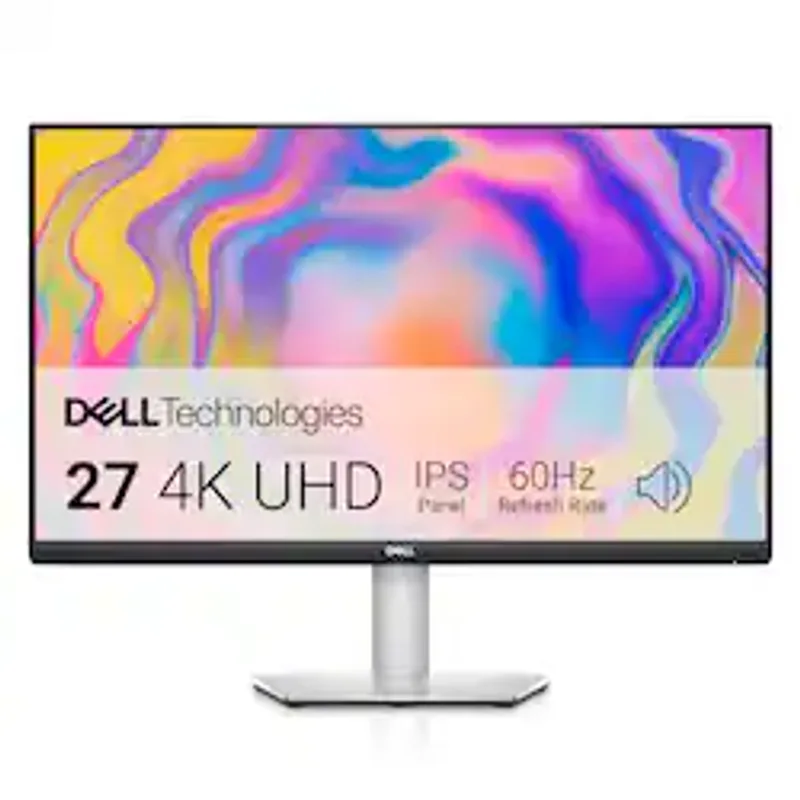
Dell S2722QC Review 2026: A Near-Perfect 27-Inch USB-C Monitor for Home Office?
Dell S2722QC review 2026: 27-inch 4K IPS with 65W USB-C and full ergonomic stand, evaluated for remote workers and laptop users.
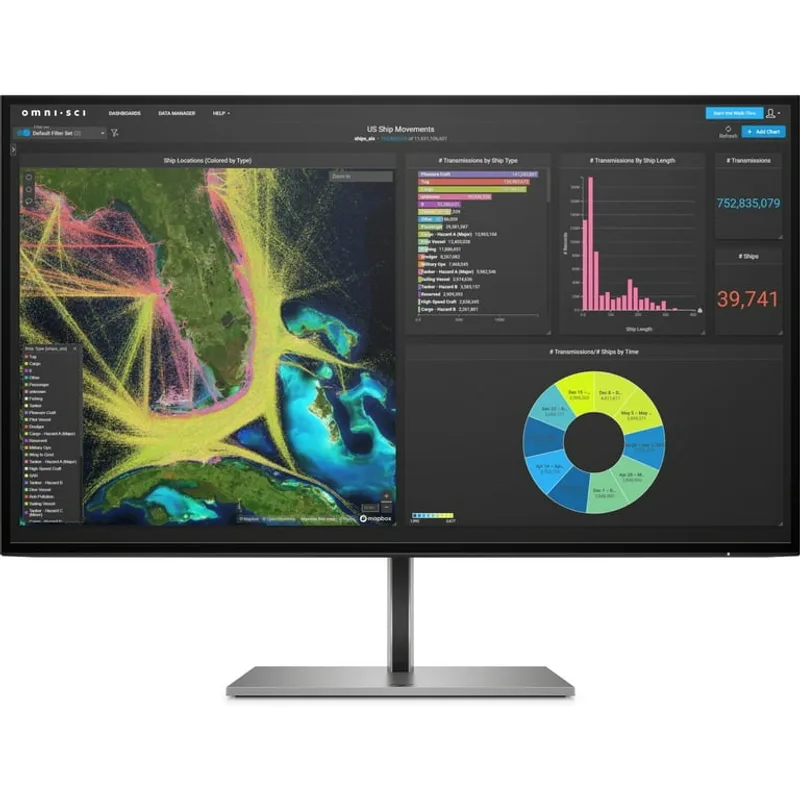
Best HP Monitors for Home Office in 2026: Budget to Pro Picks
Best HP monitors for home office in 2026, ranked by resolution, ergonomics, and USB-C connectivity for remote workers.
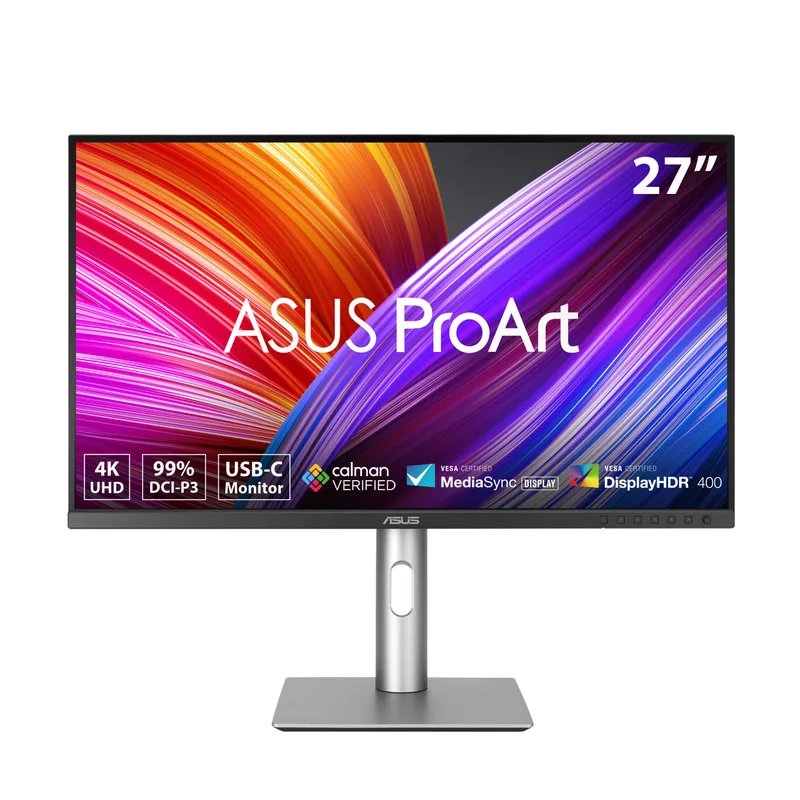
Best Monitors for Graphic Design in 2026: Color-Accurate Picks for Home Office Creatives
Best monitors for graphic design in 2026, ranked by color accuracy, Adobe RGB coverage, and value for home office creatives.
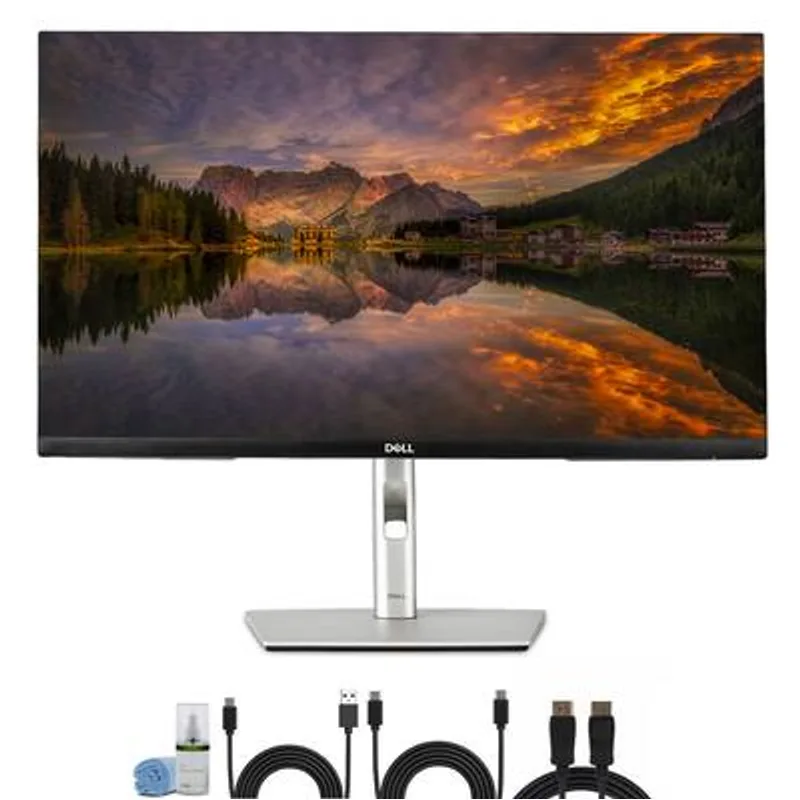
Best 27-Inch 4K Monitors for Home Office in 2026: The Sweet Spot for Remote Workers
Best 27-inch 4K monitors for home office in 2026, ranked by image quality, USB-C connectivity, and value for remote workers.
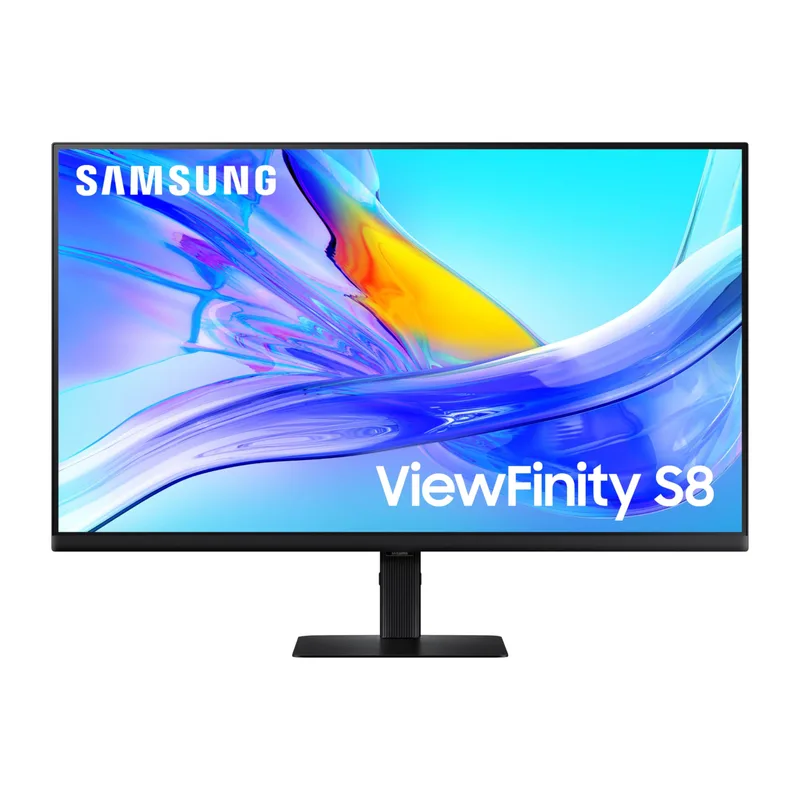
Best Samsung Monitors for Home Office in 2026: Ranked by Price and Performance
Best Samsung monitors for home office in 2026, ranked by resolution, connectivity, and value — covering 4K, QHD, and smart displays for remote workers.
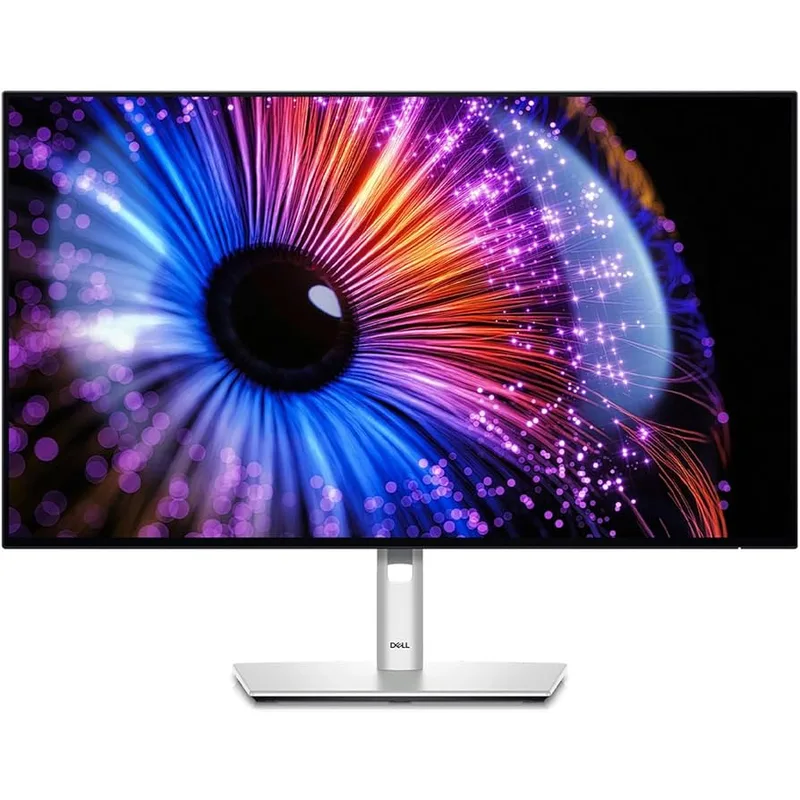
ASUS vs Dell Monitors for Home Office in 2026: Which Brand Should You Buy?
ASUS ProArt vs Dell UltraSharp compared in 2026 by color accuracy, value, and connectivity for remote workers and creators.
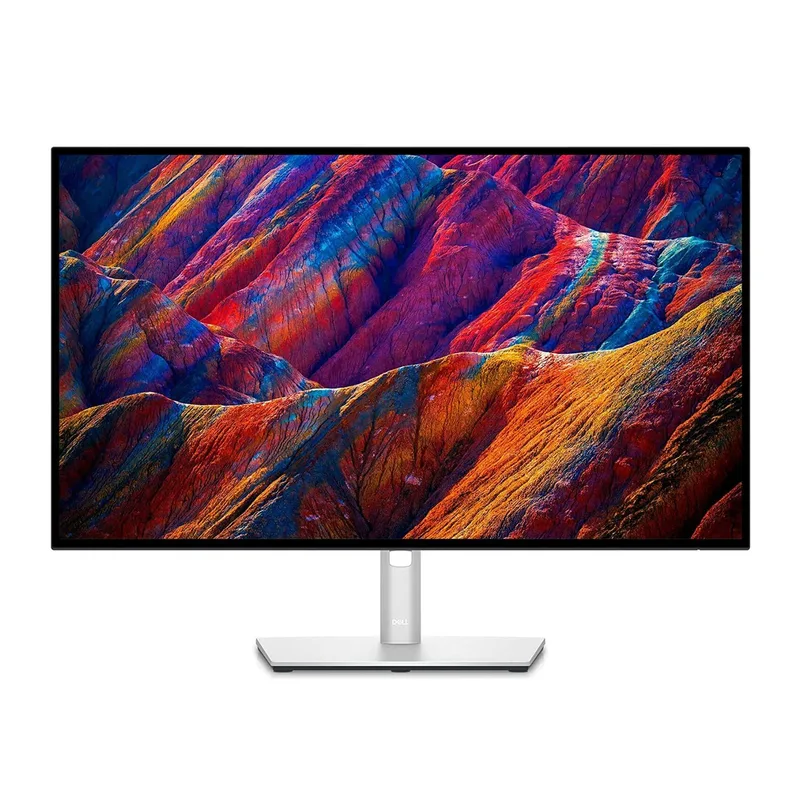
Dell UltraSharp U2723QE Review 2026: The Best All-Around Monitor for Remote Work?
Dell UltraSharp U2723QE review 2026: IPS Black 4K panel, built-in KVM, 90W USB-C hub — is it still worth buying with the U2725QE now available?
Best Affordable 4K Monitors Under $300 in 2026: High Resolution Without the Premium
Best affordable 4K monitors under $300 for home offices in 2026, ranked by color accuracy, panel quality, and value for remote workers.
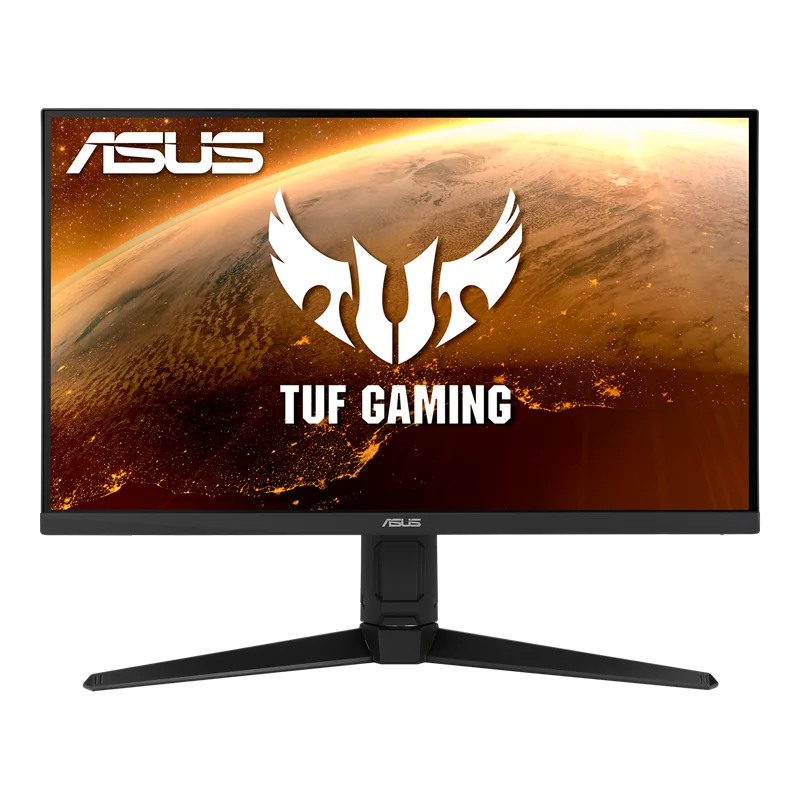
Best 144Hz Monitors for Remote Work in 2026: Smooth Scrolling, Sharper Eyes
Best 144Hz monitors for remote work in 2026, ranked by panel quality, color accuracy, and eye comfort for professionals who scroll all day.
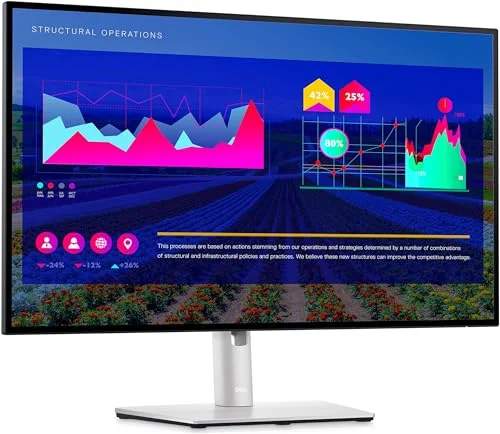
Best 1440p Monitors for Home Office in 2026: The Sweet Spot for Remote Work
Best 1440p monitors for home offices in 2026, ranked by color accuracy, USB-C connectivity, and panel quality for remote workers.
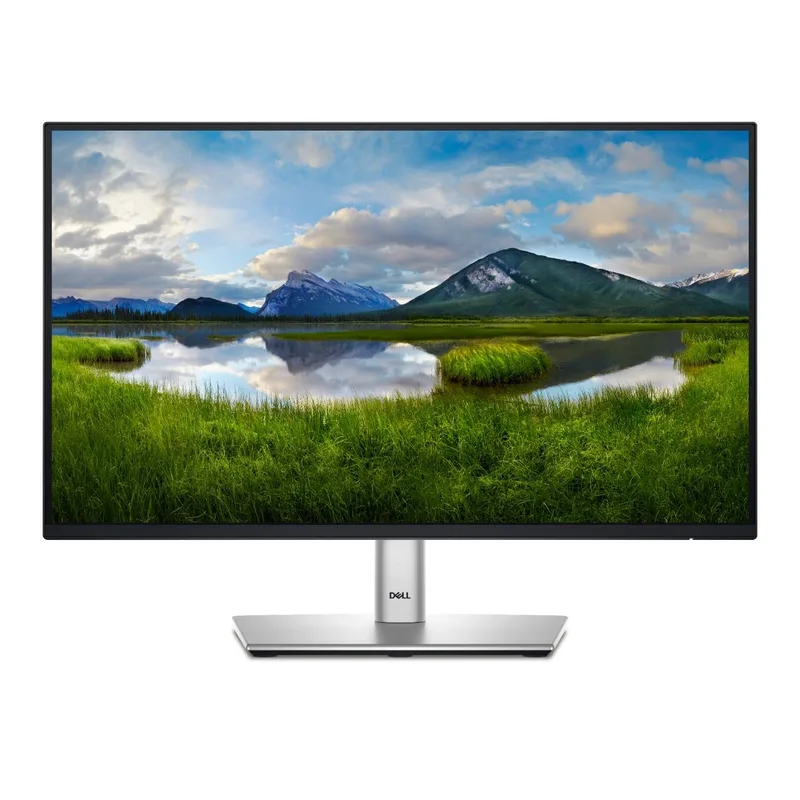
Best 24-Inch Monitors for Home Office in 2026
Best 24-inch monitors for home office in 2026, ranked by color quality, ergonomics, and connectivity for remote workers and professionals.
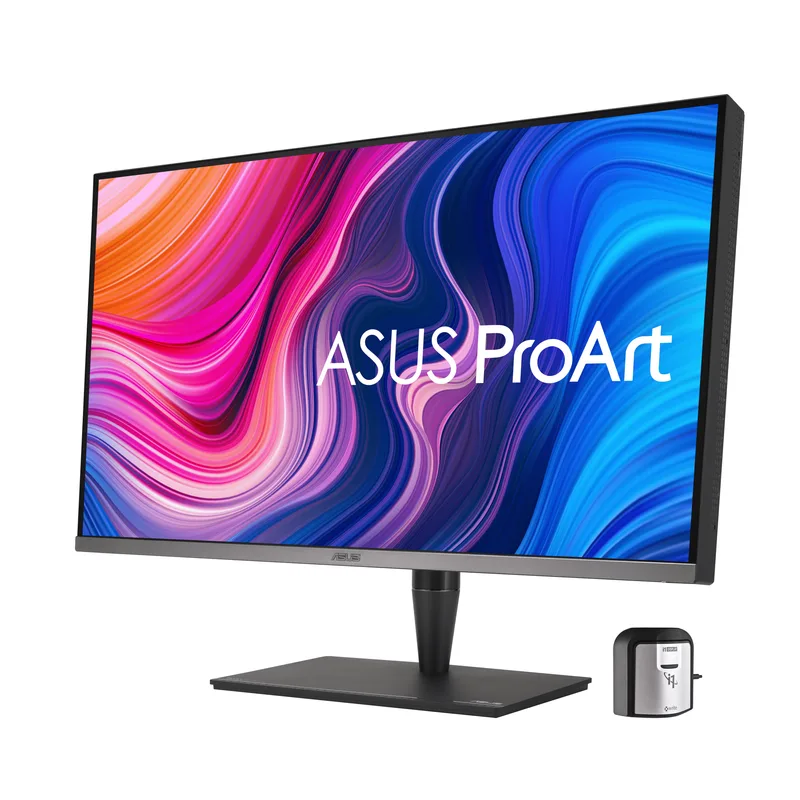
Best Monitors for Video Editing in 2026
Best monitors for video editing in 2026, ranked by color accuracy, DCI-P3 coverage, and connectivity for remote creators and editors.
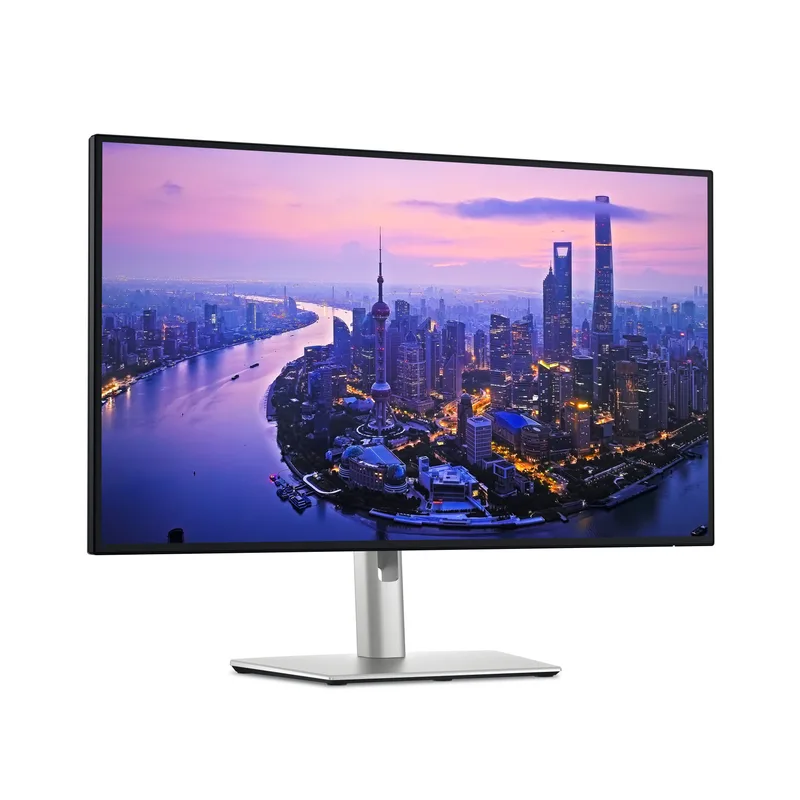
Best USB-C Monitors for Home Office in 2026: Single-Cable Setups
Best USB-C monitors for home office in 2026, ranked by power delivery, port selection, and display quality for single-cable laptop setups.
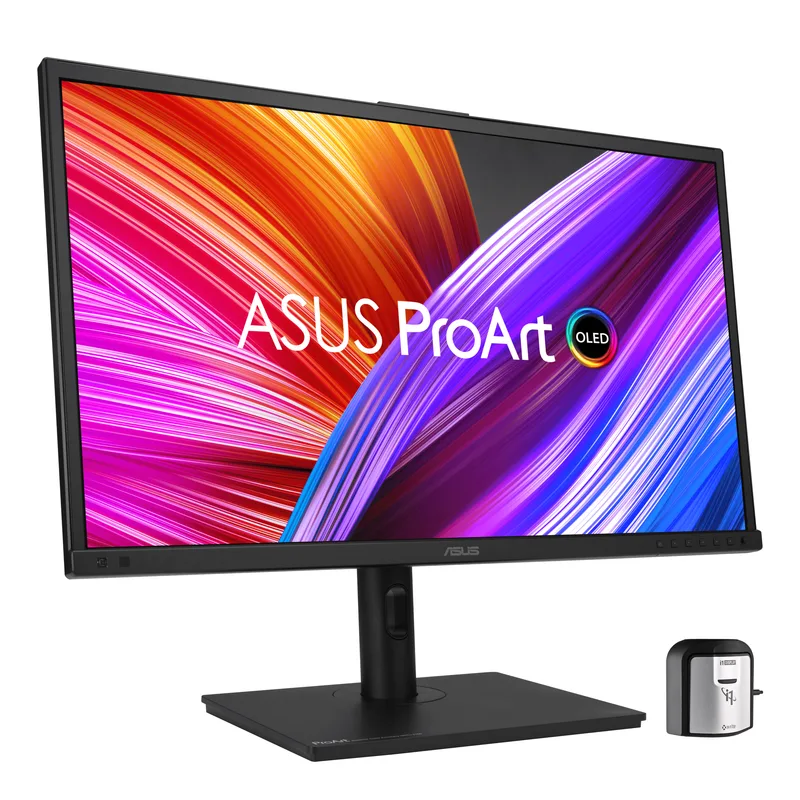
Best OLED Monitors for Remote Work in 2026
Best OLED monitors for remote work in 2026, ranked by color accuracy, glare handling, and burn-in risk for home office professionals.
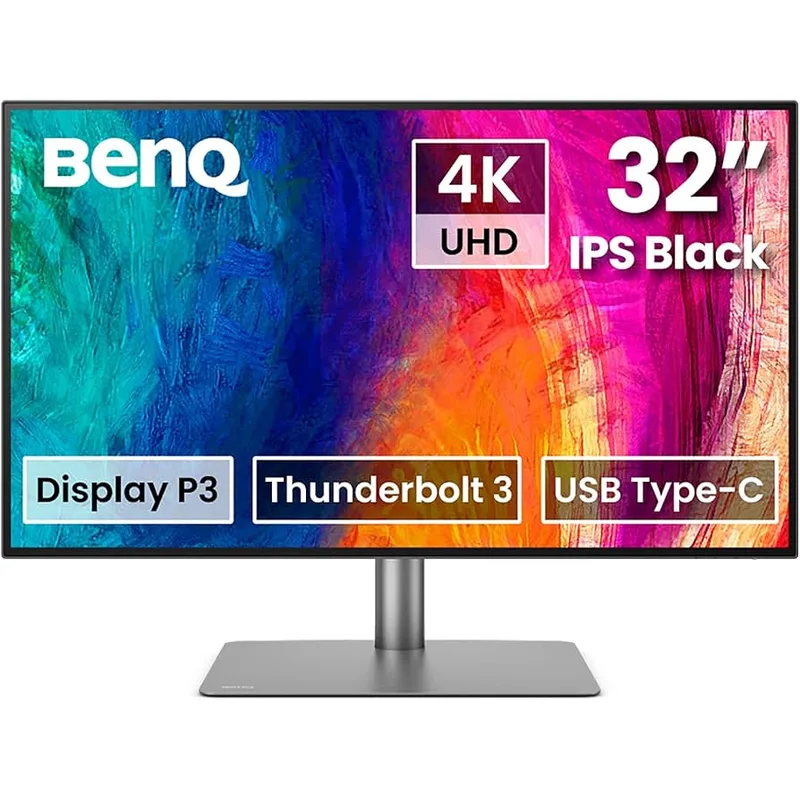
BenQ PD3220U Review: A 4K Thunderbolt Monitor for Creative Remote Workers
BenQ PD3220U review for 2026: 32-inch 4K Thunderbolt 3 monitor for creative pros, with color accuracy, KVM, and daisy-chain support.
27-Inch vs 34-Inch Ultrawide Monitor: Which is Better for Remote Work?
27-inch vs 34-inch ultrawide monitor compared for remote work in 2026, covering desk space, productivity, GPU needs, and price for home office buyers.
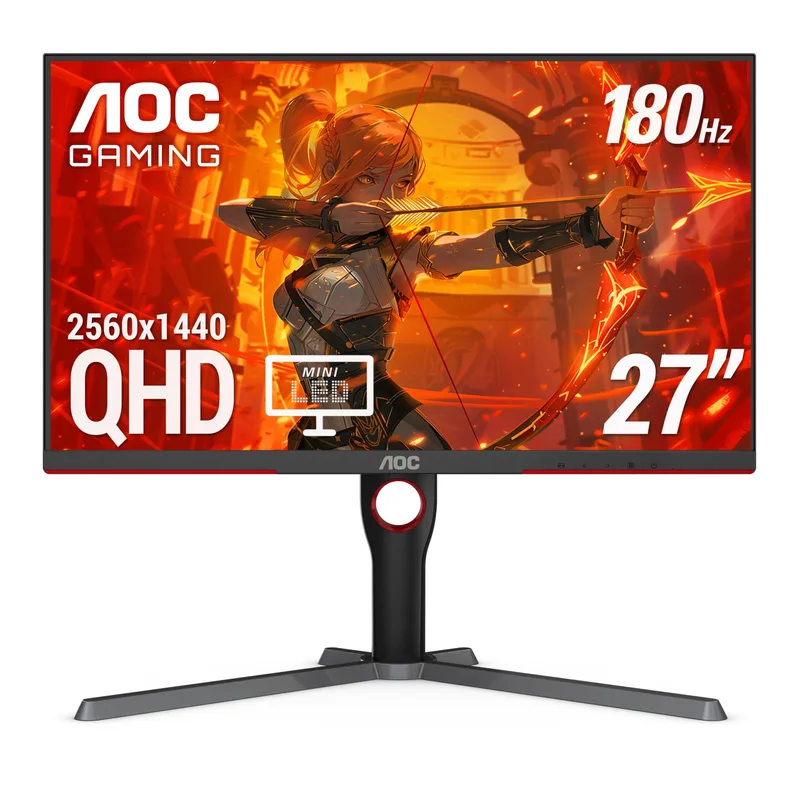
Best Gaming Monitors Under $300 for Home Office and Gaming in 2026
Best gaming monitors under $300 in 2026, ranked by refresh rate, panel type, HDR performance, and versatility for remote work and gaming.
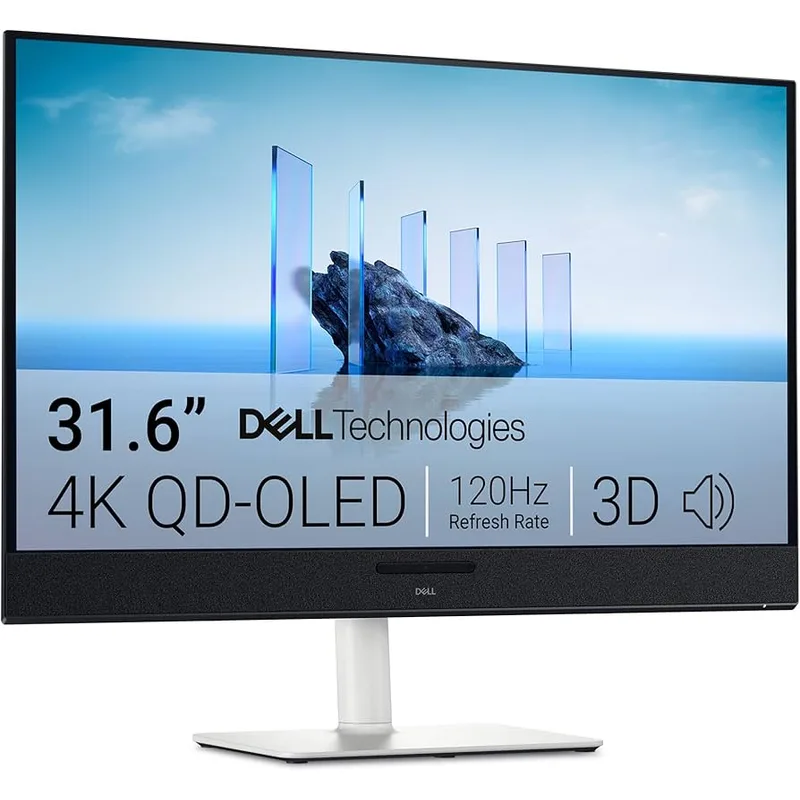
Best 32-Inch Monitors for Home Office in 2026
Best 32-inch monitors for home office in 2026, ranked by panel quality, color accuracy, and port selection for remote workers.
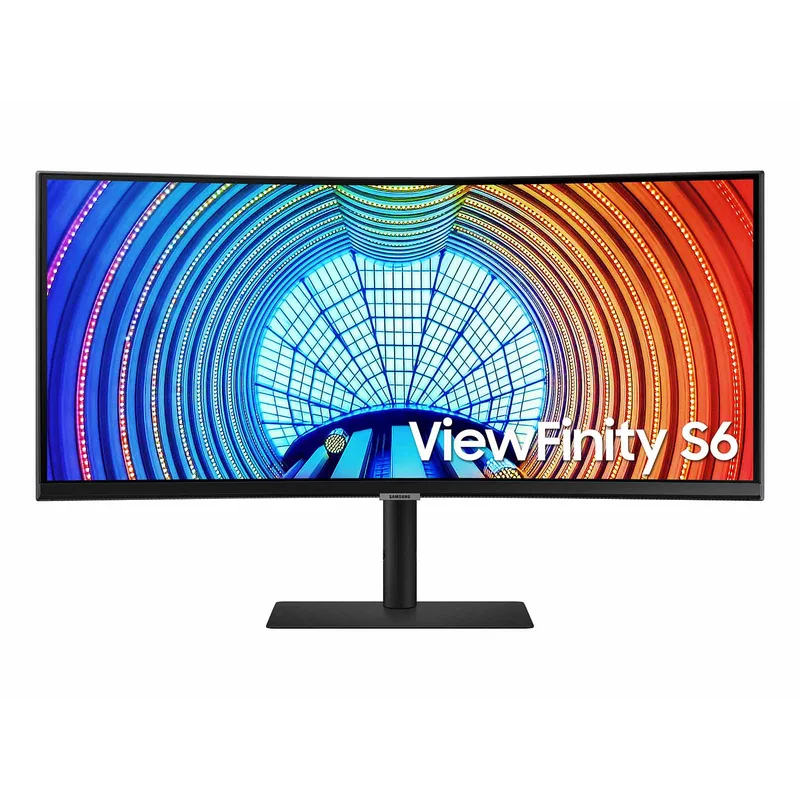
Best Curved Monitors for Home Office in 2026
Best curved monitors for home office in 2026, ranked by curvature, resolution, USB-C support, and productivity value for remote workers.
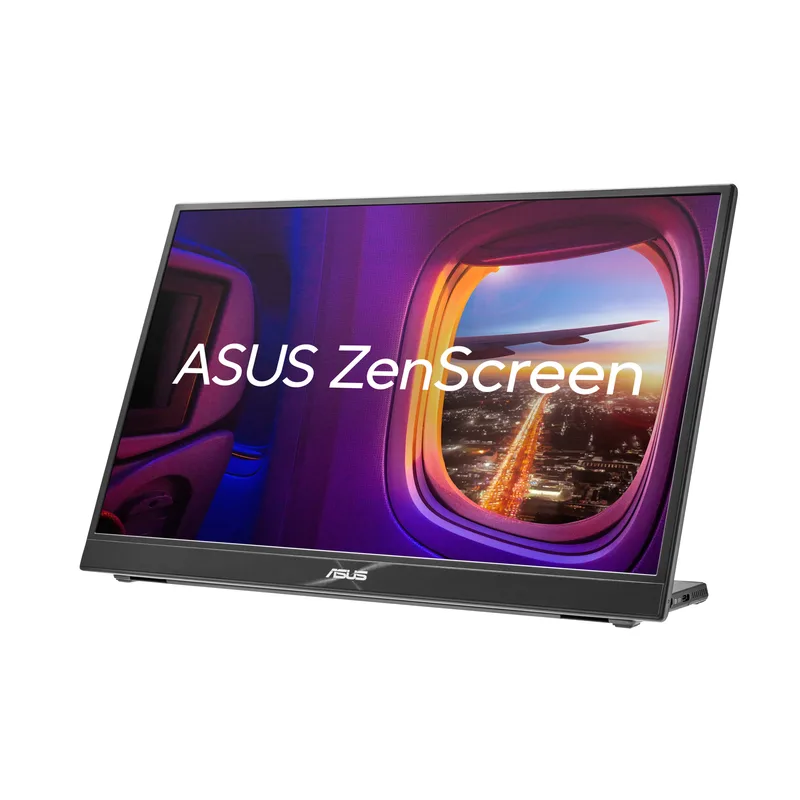
Best Portable Monitors for Remote Workers and Travelers in 2026
Best portable monitors for remote workers in 2026 — ASUS ZenScreen, LG Gram+View, Lenovo M14t, and HP 514pn compared by brightness, weight, and ports.
Best Monitors for Programming and Remote Development in 2026
Best monitors for remote programmers in 2026, ranked by resolution, pixel density, and USB-C connectivity for developers working from home.
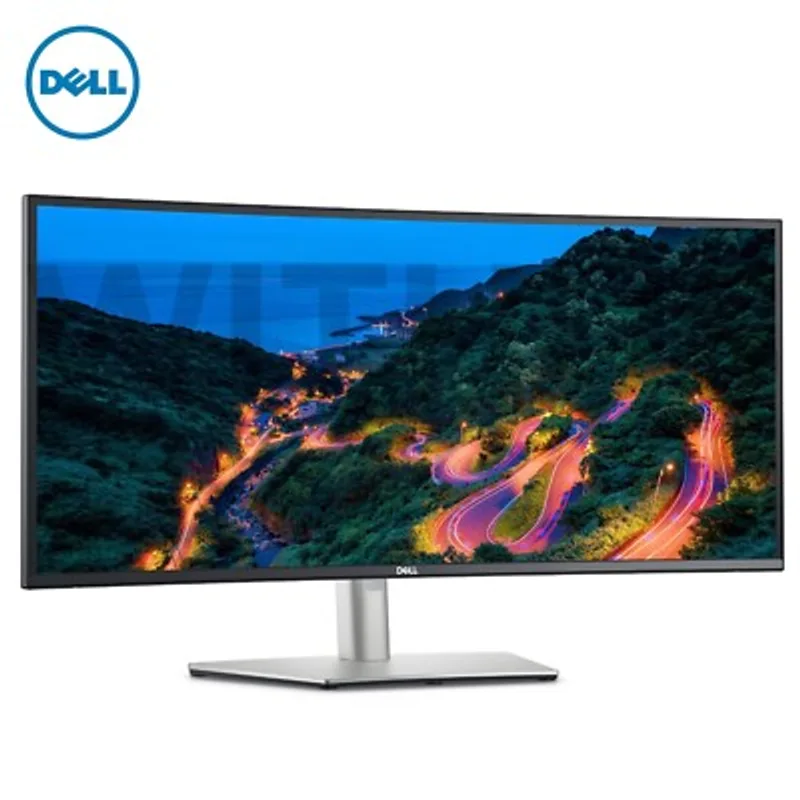
Single vs Dual Monitor Setup for Remote Work: Which Is Right for You
Single vs dual monitor for remote work in 2026: productivity research, video call impact, and a decision framework to match your workflow.
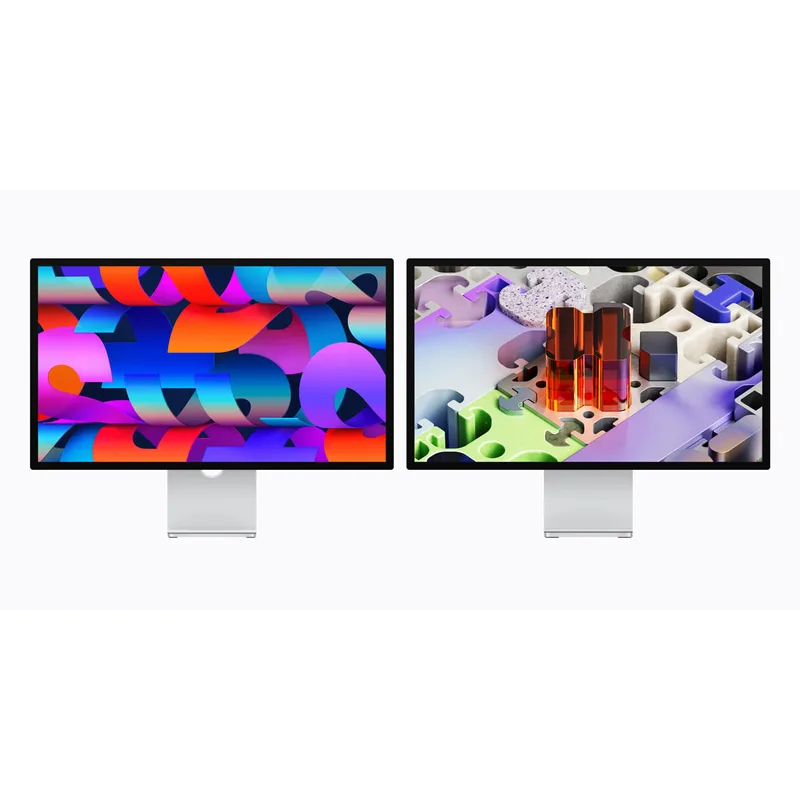
Best Monitors for Mac for Remote Work in 2026
Best monitors for Mac remote workers in 2026, ranked by Thunderbolt connectivity, Retina-level sharpness, and color accuracy.
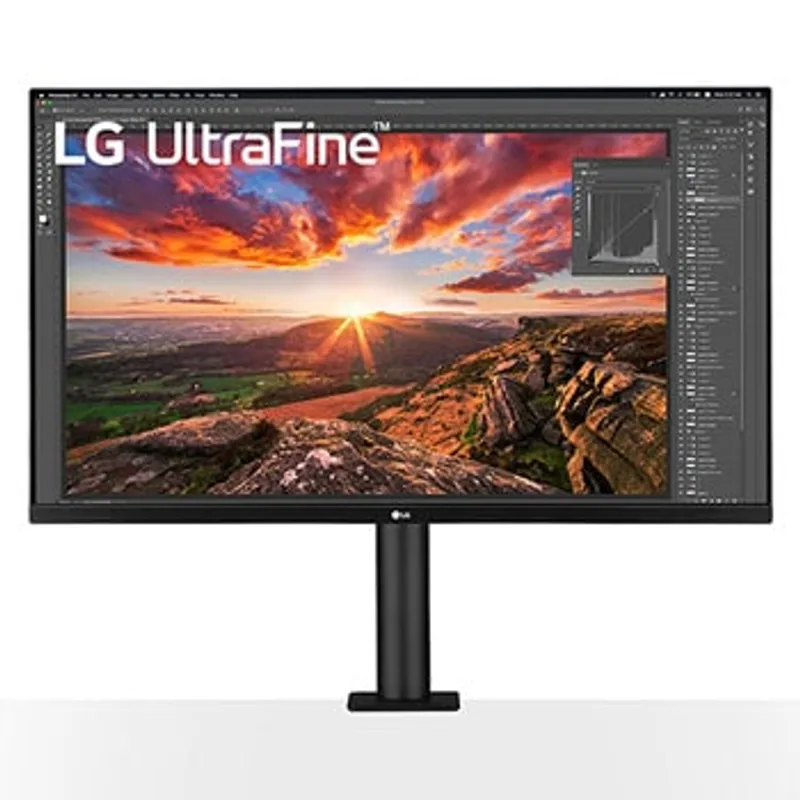
LG vs Dell Monitors for Home Office: Which Brand Wins in 2026
LG vs Dell monitors compared for home offices in 2026, covering color accuracy, build quality, USB-C connectivity, and value.
Best Ultrawide Monitors for Remote Workers in 2026
Best ultrawide monitors for remote workers in 2026, ranked by connectivity, panel quality, and desk integration for home offices.
Best 4K Monitors Under $500 for Home Office in 2026
The best 4K monitors under $500 for home offices in 2026, ranked by color accuracy, USB-C connectivity, and ergonomic flexibility.
Best Monitors for Remote Work in 2026
Best monitors for remote work in 2026, ranked by color accuracy, USB-C connectivity, and ergonomic adjustability for home offices.