WiFi 7 was a big topic at CES 2026. TP-Link showed the Archer BE670 and Deco BE77, Motorola showed the MQ15, and ASUS previewed WiFi 8 with its ROG NeoCore concept router. That raises a fair question for anyone working from home: do you upgrade now, or wait for the next generation?
This guide is based on research into specs and owner feedback, not lab work. It helps you decide whether WiFi 7 is worth buying for your office, and what to fix first.
Is WiFi 7 Worth It for a Home Office?
Maybe, and it depends on your devices and your internet plan. WiFi 7 helps most when your laptop or phone supports it, your plan is fast, and your home is crowded with competing networks. An older laptop connects to a WiFi 7 router using WiFi 5 or 6 and gets the router’s better handling of many devices, but not the full new-generation speeds.
WiFi 8 appearing as a CES 2026 preview does not make WiFi 7 obsolete. The preview was described as focusing on reliability rather than raw speed. Waiting for a standard that is still a concept means living with your current router for a while.
Fix These First, Before Buying Anything
Most video call problems come from the wiring and placement, not the WiFi generation.
- Put the router in the open. Not in a cabinet or behind the TV.
- Wire the desk if you can. A cable beats any wireless generation for call stability. See our wired vs WiFi for video calls guide.
- Check your own settings. Our WiFi speed optimization guide covers channel and band changes that cost nothing.
If you have a laptop with no Ethernet port, a USB-C adapter is the cheapest fix on this page.
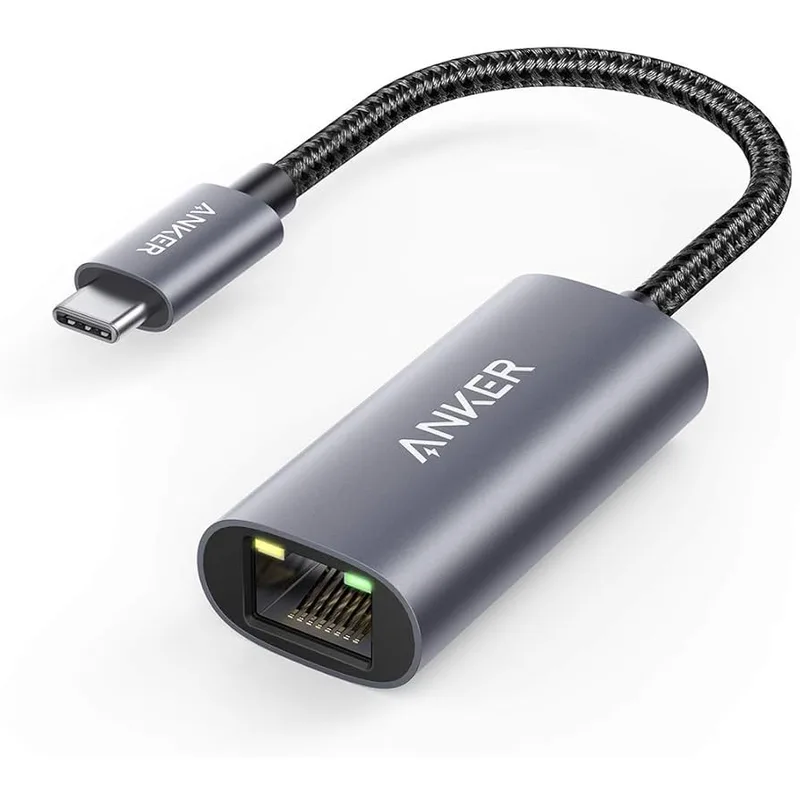
Anker USB-C to Ethernet Adapter
Pros
- Gets a laptop onto Ethernet regardless of WiFi generation
- Plug and play on common operating systems
- Compact enough to leave in a laptop bag
Cons
- Caps at 1 Gbps, so it won't use a multi-gig port
- Takes up a USB-C port while in use
Match the Router to Your Situation
Three questions decide it:
- How fast is your internet plan? On a gigabit plan, a budget WiFi 7 router is enough. For multi-gig fiber, look for a 2.5G or 10G WAN port.
- How big is your home? A single router suits apartments. A multi-floor house usually needs mesh.
- How many devices connect at once? Work laptops, phones, cameras, and smart speakers add up, and this is where newer routers help most.
Budget Entry: TP-Link Archer BE230
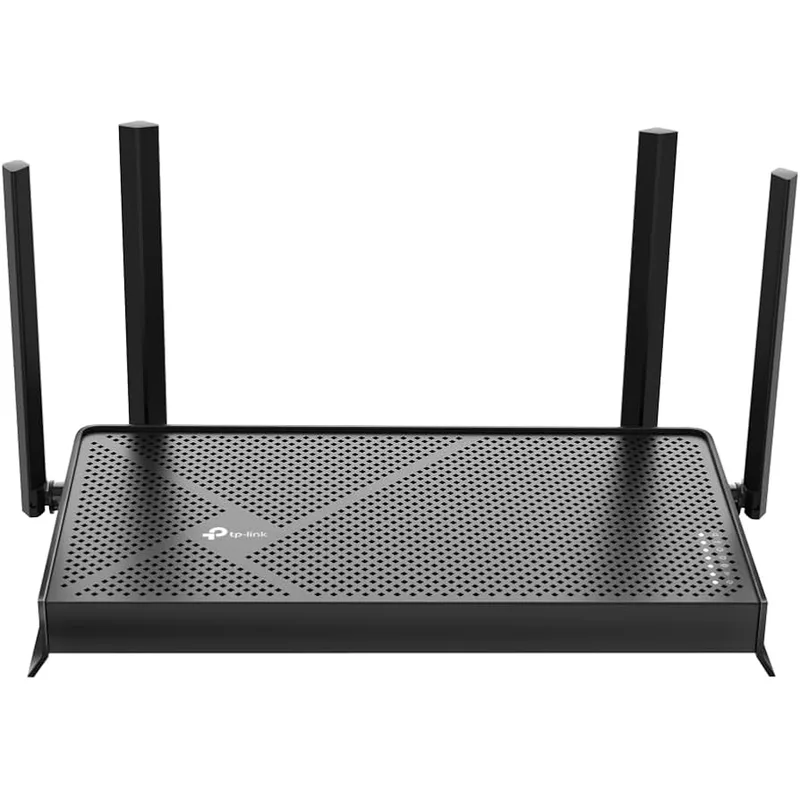
TP-Link Archer BE230
Pros
- Cheapest way into WiFi 7 among the routers compared here
- Two 2.5G ports cover a multi-gig modem or a NAS
- Dual-band keeps the setup simple for apartments and small homes
- TP-Link's Archer line is widely supported with regular firmware updates
Cons
- Dual-band only, so no dedicated 6GHz band
- Three of the five ports are only 1 Gbps
The BE230 is for people who want WiFi 7 compatibility without a large bill. Two 2.5G ports mean a multi-gig modem is not wasted. The tradeoff is the dual-band design, which skips the dedicated 6GHz band found on pricier tri-band models.
Best Value: ASUS RT-BE58U
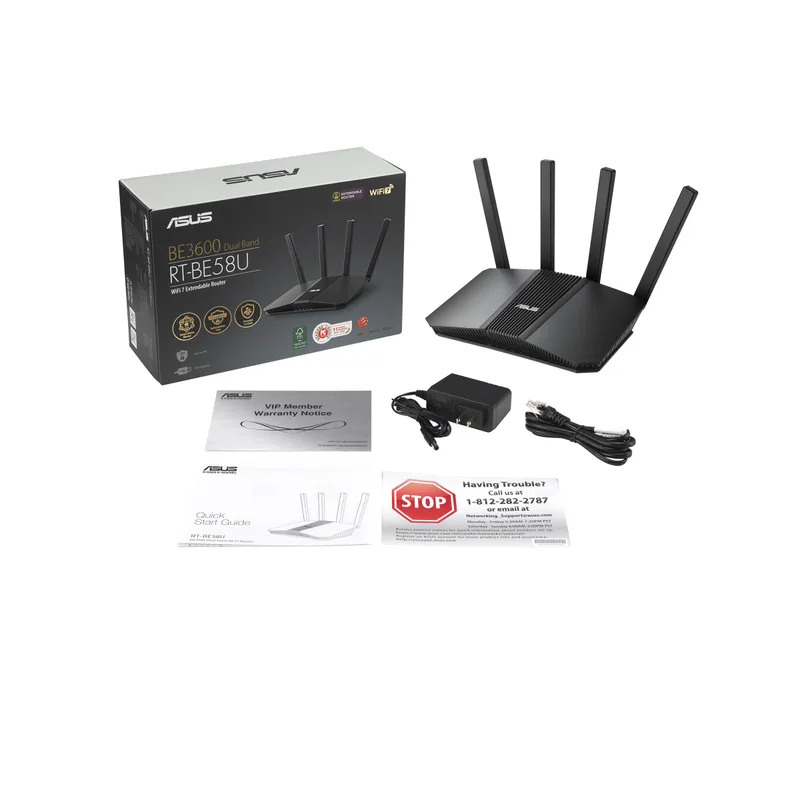
ASUS RT-BE58U
Pros
- Dual-WAN lets you add a backup connection for work-critical uptime
- Mesh and VPN compatibility suit remote workers who connect to company networks
- ASUS firmware exposes more QoS and VPN controls than most budget routers
- Priced like a midrange WiFi 6 router, not a flagship
Cons
- Dual-band hardware, so peak speeds trail tri-band models
- ASUS's settings menus are deep and take time to learn
For a remote worker, the standout feature is dual-WAN. Plug in a second connection, such as a phone hotspot or backup line, and the router can fail over when your main line drops. Add VPN compatibility and it fits a work-from-home setup well.
Best Mesh Upgrade: TP-Link Deco BE23
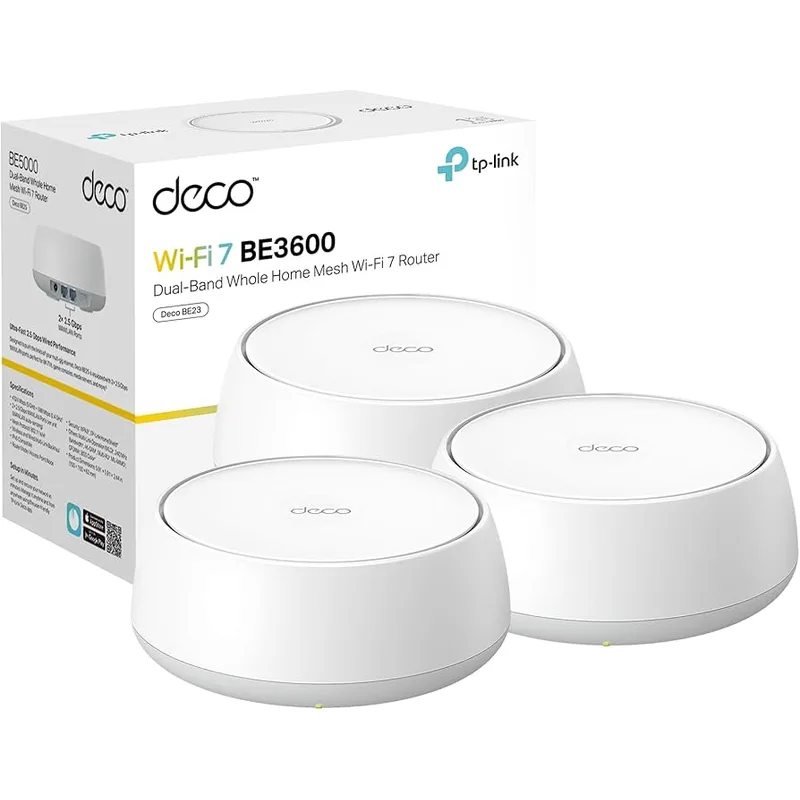
TP-Link Deco BE23 (2-Pack)
Pros
- Two units cover multi-room homes where one router falls short
- Wired backhaul option keeps the mesh fast when you can run Ethernet
- Simple app-based setup for non-technical households
- Priced well below premium WiFi 7 mesh systems
Cons
- Dual-band mesh shares one radio between client and backhaul traffic when unwired
- Fewer advanced controls than prosumer gear
If dead zones are your problem, a single faster router will not fix them. A two-pack covers more rooms, and running Ethernet between units improves it further. Compare with our best mesh WiFi systems for remote workers for other options.
Best for Multi-Gig: ASUS RT-BE86U
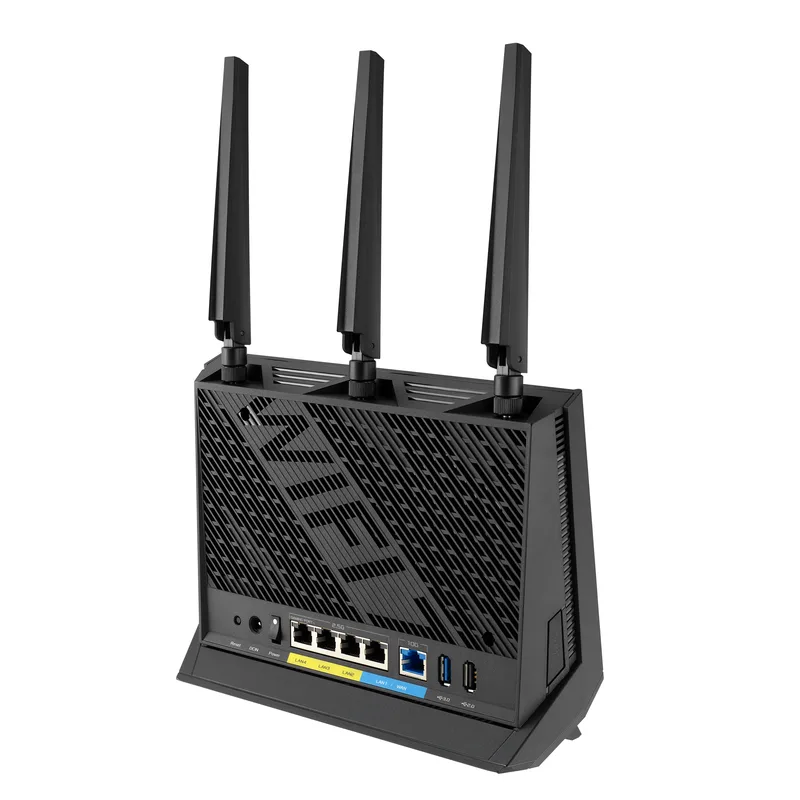
ASUS RT-BE86U
Pros
- 10G WAN port is ready for multi-gig fiber plans
- Higher throughput ceiling than the budget picks here
- Mesh and VPN compatibility carry over from the ASUS line
- Leaves headroom as more of your devices gain WiFi 7
Cons
- More router than most home offices need on a gigabit plan
- Costs roughly double the entry options
Buy this if your ISP offers more than a gigabit or you expect it to. The 10G WAN port keeps the router from being the bottleneck. On a standard gigabit plan, save your money.
For flagship options, see our best WiFi 7 routers for home office and budget WiFi 7 routers under $200.
Quick Comparison
| Spec | TP-Link Archer BE230 | ASUS RT-BE58U | TP-Link Deco BE23 (2-Pack) | ASUS RT-BE86U | Anker USB-C to Ethernet Adapter |
|---|---|---|---|---|---|
| Rating | 8.2/10 | 8.5/10 | 8.4/10 | 8.8/10 | 8.0/10 |
| Price | $67.95-$79.98as of Oct 23, 2026 | $90.07-$144.99as of Oct 23, 2026 | $108.41-$161.99as of Oct 23, 2026 | $171.66-$239.99as of Oct 23, 2026 | $12.49-$15.53as of Oct 23, 2026 |
| Wi-Fi Standard | Wi-Fi 7 (BE3600) | Wi-Fi 7 | Wi-Fi 7 (BE3600) | Wi-Fi 7 | — |
| Bands | Dual-band | — | Dual-band | — | — |
| Ports | 2x 2.5G + 3x 1G | — | — | — | — |
| Streams | 4-stream | — | 4-stream | — | — |
| Speed | — | 3.6 Gbps | — | 6.8 Gbps | 1 Gbps |
| WAN | — | Dual-WAN | — | 10G WAN | — |
| Mesh | — | AiMesh and VPN compatible | — | Mesh and VPN compatible | — |
| Pack | — | — | 2 units | — | — |
| Connector | — | — | — | — | USB-C |
| Housing | — | — | — | — | Aluminum |
| Use | — | — | — | — | Wired fallback for laptops |
| Check Price → | Check Price → | Check Price → | Check Price → | Check Price → |
Prices change daily — tap Check Price for the current Amazon price.
Buying Guide: What to Look For
- Wired ports. A 2.5G LAN port matters if you have a NAS or multi-gig dock.
- Backhaul. Mesh systems perform better with a wired link between nodes.
- VPN and security features. Check that the router supports your work VPN setup.
- Firmware support. Pick brands with a record of regular updates.
- Band count. Tri-band adds the 6GHz band, which suits crowded buildings.
FAQ
Do I need a WiFi 7 laptop to benefit?
No. Older devices connect using the older standards. You get the full WiFi 7 speeds only with WiFi 7 clients.
Should I wait for WiFi 8?
WiFi 8 appeared at CES 2026 as a preview. If your current router is causing problems, waiting means living with them for an unknown time.
Will WiFi 7 fix my video call lag?
Only if the cause is wireless congestion. Poor placement, an overloaded line, or a weak signal need other fixes first.
Is mesh or a single router better?
A single router suits small spaces. Mesh suits multi-floor homes and dead zones.
Is Ethernet still worth it?
Yes. For a fixed desk, a wired connection is the most stable option regardless of WiFi generation.
The Bottom Line
Fix placement and wiring first. If you still want to upgrade, the ASUS RT-BE58U is our top pick for most remote workers because dual-WAN failover and VPN compatibility suit a work setup. Choose the Archer BE230 on a tight budget, the Deco BE23 for dead zones, and the RT-BE86U if your plan is multi-gig.
Detailed Reviews
TP-Link Archer BE230
Pros
- Cheapest way into WiFi 7 among the routers compared here
- Two 2.5G ports cover a multi-gig modem or a NAS
- Dual-band keeps the setup simple for apartments and small homes
- TP-Link's Archer line is widely supported with regular firmware updates
Cons
- Dual-band only, so no dedicated 6GHz band
- Three of the five ports are only 1 Gbps
ASUS RT-BE58U
Pros
- Dual-WAN lets you add a backup connection for work-critical uptime
- Mesh and VPN compatibility suit remote workers who connect to company networks
- ASUS firmware exposes more QoS and VPN controls than most budget routers
- Priced like a midrange WiFi 6 router, not a flagship
Cons
- Dual-band hardware, so peak speeds trail tri-band models
- ASUS's settings menus are deep and take time to learn
TP-Link Deco BE23 (2-Pack)
Pros
- Two units cover multi-room homes where one router falls short
- Wired backhaul option keeps the mesh fast when you can run Ethernet
- Simple app-based setup for non-technical households
- Priced well below premium WiFi 7 mesh systems
Cons
- Dual-band mesh shares one radio between client and backhaul traffic when unwired
- Fewer advanced controls than prosumer gear
ASUS RT-BE86U
Pros
- 10G WAN port is ready for multi-gig fiber plans
- Higher throughput ceiling than the budget picks here
- Mesh and VPN compatibility carry over from the ASUS line
- Leaves headroom as more of your devices gain WiFi 7
Cons
- More router than most home offices need on a gigabit plan
- Costs roughly double the entry options
Anker USB-C to Ethernet Adapter
Pros
- Gets a laptop onto Ethernet regardless of WiFi generation
- Plug and play on common operating systems
- Compact enough to leave in a laptop bag
Cons
- Caps at 1 Gbps, so it won't use a multi-gig port
- Takes up a USB-C port while in use