| Spec | Amazon eero Pro 7 (3-pack) | Netgear Orbi 370 (3-pack) | Netgear Orbi 970 (2-pack) |
|---|---|---|---|
| Rating | 9.0/10 | 8.0/10 | 8.0/10 |
| Price | $799.99as of Oct 18, 2026 | $244.98-$299.99as of Oct 18, 2026 | $903.22as of Oct 18, 2026 |
| WiFi Standard | WiFi 7 (802.11be) | WiFi 7 (802.11be) | WiFi 7 (802.11be) |
| Bands | Tri-band (2.4GHz + 5GHz + 6GHz) | Dual-band (2.4GHz + 5GHz) | Quad-band (2.4GHz + 5GHz + 5GHz + 6GHz) |
| Max Speed | Up to 5 Gbps | Up to 5 Gbps | Up to 27 Gbps |
| Coverage | 6,000 sq ft (3-pack) | 6,000 sq ft (3-pack) | 6,600 sq ft (2-pack) |
| WAN Port | 2.5 GbE | 2.5 GbE | 10 GbE |
| LAN Ports | 1x 1 GbE per node | 2x 1 GbE per node | 2x 2.5 GbE per unit |
| Devices | 200+ | 70 | 200 |
| Smart Home | Zigbee hub built-in | — | — |
| Warranty | 1 year | 1 year | 1 year |
| Security | — | Orbi Armor (optional) | Orbi Armor included (1 year) |
| Check Price → | Check Price → | Check Price → |
Prices change daily — tap Check Price for the current Amazon price.
Affiliate disclosure: SetupRanked earns a commission on qualifying purchases made through links on this page. This does not affect our editorial rankings.
WiFi 7 has arrived, and the two brands remote workers ask about most are eero and Netgear Orbi. Both have released WiFi 7 mesh systems in the past year. Eero’s Pro 7 brings tri-band speed and the simplest setup experience in the category. Netgear launched the Orbi 370 to bring WiFi 7 pricing down to $329-$349 — and the Orbi 970 for users who want quad-band, multi-gig performance regardless of cost.
This comparison covers all three systems across the factors that matter for home offices: setup speed, coverage reliability, wired port options, app quality, and total cost of ownership. The goal is to narrow the choice for buyers who’ve already decided on mesh WiFi and need to choose between these two ecosystems.
Quick Comparison
| System | WiFi Standard | Coverage | WAN Port | LAN Ports | Devices | Price | Rating |
|---|---|---|---|---|---|---|---|
| eero Pro 7 (3-pack) | WiFi 7 tri-band | 6,000 sq ft | 2.5 GbE | 1 per node | 200+ | $799.99 as of Oct 18, 2026 | 9.0 |
| Orbi 370 (3-pack) | WiFi 7 dual-band | 6,000 sq ft | 2.5 GbE | 2 per node | 70 | $244.98-$299.99 as of Oct 18, 2026 | 8.0 |
| Orbi 970 (2-pack) | WiFi 7 quad-band | 6,600 sq ft | 10 GbE | 2.5 GbE per unit | 200 | $903.22 as of Oct 18, 2026 | 8.0 |
Brand Overview: eero vs Netgear Orbi
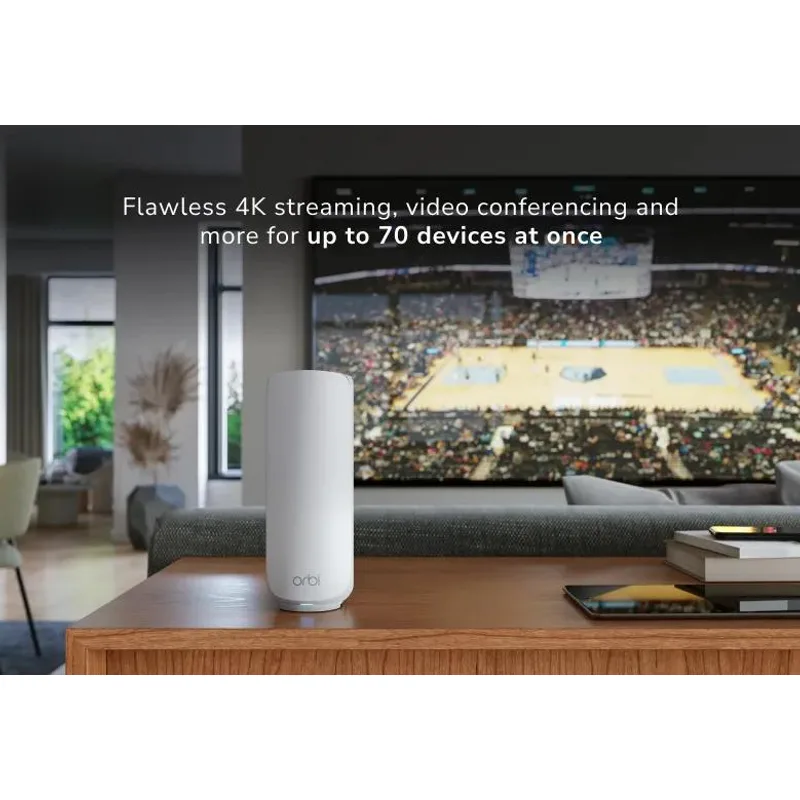
eero (now owned by Amazon) is the simplest mesh WiFi system on the market. Its entire product philosophy prioritizes getting the network running and keeping it running without any user involvement. The app is clean, updates are automatic, and Amazon ecosystem integration — Alexa, Ring, Sidewalk — is tighter than any competitor. The trade-off: less configuration control, Amazon data practices, and a subscription model for advanced security features.
Netgear Orbi competes on hardware and value. The Orbi line spans from the budget-oriented Orbi 370 to the performance-focused Orbi 970, giving buyers more choices at more price points. Orbi satellites include more LAN ports than eero nodes, which matters for remote workers who need wired connections at multiple desk locations. The Orbi app is less refined, and Netgear’s subscription pushes are persistent — but you get more hardware flexibility per dollar.
The core choice: eero offers the better experience; Orbi offers the better hardware value.
Amazon eero Pro 7 (3-pack) — The Reliability Standard

The eero Pro 7 is the WiFi 7 update to the model that made mesh WiFi mainstream. The jump from WiFi 6E to WiFi 7 (802.11be) brings tri-band architecture — 2.4 GHz, 5 GHz, and 6 GHz bands active simultaneously — with the 6 GHz band used exclusively for backhaul communication between nodes. That dedicated backhaul channel is the key technical reason the Pro 7 outperforms the Orbi 370 in interference-heavy environments.
Setup takes under 15 minutes. The eero app walks through every step — plug in the first unit, wait for the solid white light, open the app, add satellites. No networking knowledge required. For remote workers who want their network done and forgotten, this matters more than spec sheets suggest. Most mesh WiFi issues stem from incorrect configuration during setup; eero removes most of that risk.
At 6,000 sq ft with the 3-pack, coverage handles any home. Node placement flexibility is real: the eero Pro 7 adjusts its routing intelligence based on actual signal paths, not assumed layouts. Two nodes placed on opposite ends of a long floor plan will self-optimize without manual band steering or channel selection.
Connectivity is the one area where eero trades off. Each node has a 2.5 GbE WAN port and one 1 GbE LAN port. For a home office desk with a laptop, monitor, and printer all wanting wired connections, one LAN port per satellite requires a separate switch. Not a dealbreaker, but it adds cost and a device.
The eero Plus subscription ($3.99/month) adds content filtering, VPN by IPVanish, and threat detection. The network works fine without it. But ad blocking and content filtering are turned off without the subscription — relevant for families or anyone running a clean work network.
Best for: Remote workers who want the fastest setup, best app experience, and Amazon ecosystem integration. Accept the price premium and subscription model.
Netgear Orbi 370 (3-pack) — Best Value WiFi 7
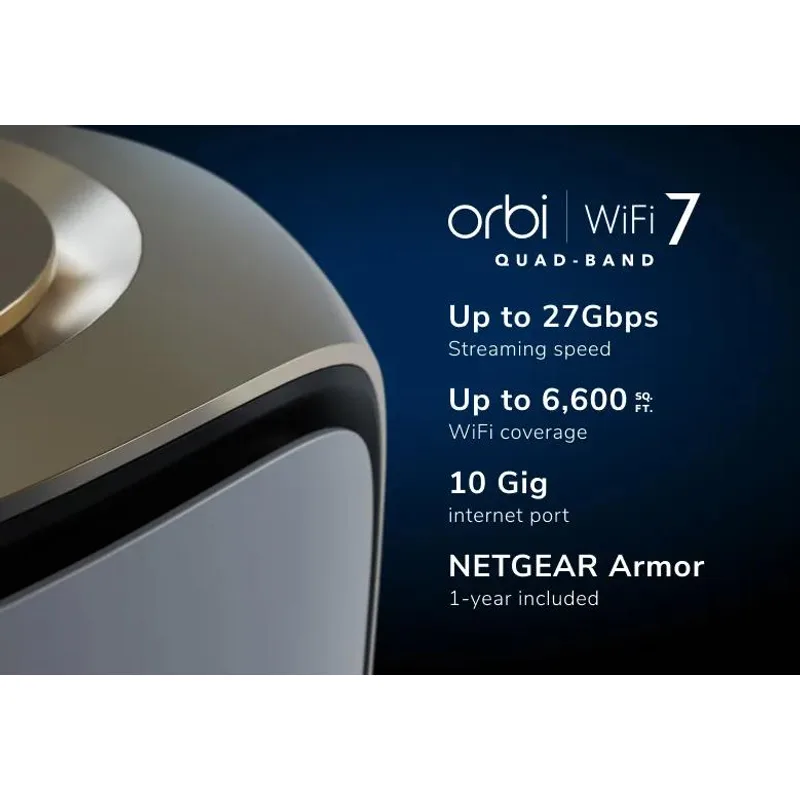
The Orbi 370 is the most significant development in affordable mesh WiFi for 2026. Netgear brought WiFi 7 to a three-pack at $329-$349 — roughly $200-$350 less than eero’s Pro 7 for the same square footage coverage. That price gap is hard to ignore.
The hardware tradeoff is that the Orbi 370 is dual-band (2.4 GHz and 5 GHz), where the eero Pro 7 is tri-band. Dual-band means the 5 GHz band handles both backhaul communication between satellites and client device connections simultaneously. In a low-interference environment — a suburban home, a single-floor apartment, a house with few neighboring WiFi networks — this isn’t a practical problem. In an apartment building with dozens of overlapping WiFi networks, backhaul congestion becomes measurable.
For most remote workers in home environments, the Orbi 370 performs comparably to the eero Pro 7 for typical workloads: Zoom calls, browser work, Slack, file sync. The difference shows up at range extremes and in interference-heavy buildings.
Where the Orbi 370 wins is ports. Each satellite includes two 1 GbE LAN ports, compared to eero’s one port per node. A three-pack gives six wired device connections across your home without needing any additional switch. For remote workers with wired printers, NAS drives, smart TVs, or VoIP desk phones, this is a meaningful advantage.
The Orbi app handles the basics: device management, guest network, speed tests, port forwarding. It lacks the polish of the eero app, and Netgear’s in-app marketing for Orbi Armor ($70/year) gets intrusive. The security features work at a basic level without the subscription — unlike eero where content filtering requires Plus.
Best for: Remote workers who want WiFi 7 coverage without paying the eero premium, and who have multiple devices needing wired connections at desk locations.
Netgear Orbi 970 (2-pack) — For Power Users With Multi-Gig Plans
The Orbi 970 is Netgear’s statement product: a quad-band WiFi 7 system with a 10 GbE WAN port, 2.5 GbE LAN ports, and throughput up to 27 Gbps. It is overkill for most home offices. For specific use cases, it is the right tool.
The 10 GbE WAN port only matters if your internet plan delivers multi-gigabit speeds — currently limited to fiber subscribers on plans from ISPs like AT&T, Frontier, or Google Fiber with 2 Gbps or 5 Gbps tiers. If your plan tops out at 1 Gbps (the standard for most cable and fiber plans), the Orbi 970’s WAN port advantages don’t apply.
The quad-band design (2.4 GHz + 5 GHz + second 5 GHz + 6 GHz) is where the 970 separates itself from budget mesh. The second 5 GHz band handles additional client connections while the 6 GHz band is dedicated backhaul. The result: no congestion under heavy load. For home offices with five or more people on calls simultaneously, or setups running intensive workloads (large file transfers, video editing workflows on NAS, streaming workstations), the 970’s performance headroom is real.
The 2-pack covers 6,600 sq ft — enough for most homes. Each unit is large (294mm tall, 144mm in diameter) and needs shelf or floor placement. At $699-$899, the price is hard to justify unless you have a multi-gig internet plan, a home over 4,000 sq ft, or 10+ people on the network simultaneously.
Best for: Power users with multi-gigabit internet plans, large homes, or dense device environments who need the absolute best mesh WiFi performance available.
Head-to-Head: Key Categories
Setup Experience
eero wins decisively. The eero app is the best onboarding experience in mesh WiFi. Plug in, scan the QR code, follow the app. Done. Netgear’s Orbi app works, but the process involves more steps, occasional firmware update interruptions during setup, and a more complicated interface. For non-technical users, the eero experience is significantly less frustrating.
Speed Performance
Orbi 970 wins on peak; eero Pro 7 and Orbi 370 are comparable for typical use. At a distance from the router, eero Pro 7’s dedicated 6 GHz backhaul maintains more consistent throughput than the Orbi 370’s shared 5 GHz. For a home office where devices are within one or two rooms of a satellite, the difference is rarely measurable.
Coverage Reliability
eero Pro 7 wins in interference-heavy environments. TrueMesh routing and dedicated backhaul produce more consistent coverage at range extremes. The Orbi 370 is reliable in typical home environments but shows more variance in apartments with dense WiFi interference.
Wired Connectivity
Orbi wins. Two LAN ports per node (Orbi 370) and 2.5 GbE LAN ports (Orbi 970) versus eero’s single 1 GbE LAN port per node. For wired-first home offices, Orbi provides better hardware value.
App and Software Quality
eero wins. The eero app is cleaner, more intuitive, and better maintained. Parental controls, device profiles, and network diagnostics are all easier to use. Netgear’s Orbi app is adequate for basic management but lacks the UX quality that defines the eero experience.
Smart Home and Ecosystem Integration
eero wins for Amazon households. Zigbee hub built into every eero Pro 7 node supports direct pairing of Zigbee devices. Alexa integration enables voice commands for network status, device management, and smart home automation. For households already in the Amazon ecosystem, eero’s integration is tight and practical.
Total Cost of Ownership
Orbi 370 wins on hardware value; eero adds subscription costs. The Orbi 370 3-pack at $329-$349 is $200-$350 less than the eero Pro 7 3-pack. eero Plus adds $48/year for full security features. Over three years, the eero Pro 7 costs roughly $240-$290 more than the Orbi 370 when subscription costs are included.
Buying Guide: Which Mesh WiFi System Is Right for You?
Choose the eero Pro 7 if:
- Setup simplicity is a top priority — you want to configure the network once and never think about it
- You have Amazon smart home devices (Echo, Ring, Zigbee sensors) that benefit from tight integration
- Your home has multiple floors or thick walls where backhaul reliability matters more than port count
- You’re willing to pay a premium for the best app and support experience in the category
Choose the Netgear Orbi 370 if:
- Budget is a consideration and WiFi 7 coverage is the goal without premium pricing
- You need wired connections at multiple satellite locations (two LAN ports per node vs eero’s one)
- You’re comfortable with a functional but less polished app experience
- Privacy concerns about Amazon data collection make eero a non-starter
Choose the Netgear Orbi 970 if:
- You have a multi-gigabit internet plan (2 Gbps+) from a fiber ISP
- Your home is over 4,000 sq ft or has many users on calls and large transfers simultaneously
- You need 2.5 GbE LAN ports for NAS drives or high-throughput wired workstations
- Performance ceiling matters more than price
Skip mesh WiFi entirely if: Your internet connection is unreliable at the ISP level. Mesh WiFi improves signal distribution inside your home — it cannot fix a slow or inconsistent internet plan. Check your ISP’s actual delivered speeds before upgrading your home network hardware.
FAQ
Is eero Pro 7 worth the price over the Orbi 370? For most remote workers: yes, if you value setup simplicity and the Amazon ecosystem, and no if you prioritize hardware value and port count. The eero Pro 7 costs $200-$350 more for the same coverage footprint. The tangible differences are the dedicated 6 GHz backhaul (better in interference-heavy environments), Zigbee hub integration, and the best app experience in mesh WiFi. The Orbi 370 provides equal coverage for typical home office workloads at a lower price. If you’re not in a dense apartment building and don’t have Amazon smart home devices, the Orbi 370’s value case is strong.
Do I need WiFi 7 for remote work in 2026? Not strictly required. WiFi 6E handles video calls, cloud file sync, and typical remote work tasks without performance issues. WiFi 7’s practical benefits — multi-link operation, lower latency under load — matter most in homes with many simultaneous users and devices. If you’re the only person on the network during work hours, upgrading from a working WiFi 6 or 6E system is unlikely to produce noticeable improvements for standard remote work tasks. WiFi 7 makes more sense for new purchases and homes with 10+ active devices during work hours.
What’s the eero Plus subscription, and do I need it? eero Plus costs $3.99/month and adds advanced content filtering, ad blocking, VPN by IPVanish, and threat detection. The eero Pro 7 works without it — you get basic network management, device tracking, and guest network at no additional cost. The subscription is worth it if you want active threat protection, family content filtering, or the included VPN. If your router handles security at the ISP level or you run a separate security layer, the subscription is optional.
Can I mix eero and Netgear devices? No. Eero nodes only work with other eero nodes. Orbi satellites only work with the Orbi router of the same series. Neither system is cross-compatible. If you already own eero hardware, adding Orbi satellites won’t work, and vice versa. This is standard across all mesh WiFi ecosystems — each brand runs a proprietary backhaul protocol.
How many mesh nodes do I need for a home office? As a baseline: one node per 2,000 sq ft. A 2,000 sq ft single-floor home typically needs two nodes placed centrally. A 3,500-4,000 sq ft multi-floor home needs three nodes. The main variable is construction — concrete walls and floors attenuate WiFi significantly. If your home has thick walls, plaster, or metal framing, add one node beyond the coverage-area estimate. Both the eero Pro 7 and Orbi 370 3-packs are sized for most homes under 5,000 sq ft.
Conclusion
For most remote workers, the choice comes down to two options.
The Amazon eero Pro 7 (3-pack) is the right pick if you want the best mesh WiFi experience without compromise: fastest setup, best app, Zigbee hub, Amazon ecosystem, and dedicated 6 GHz backhaul for consistent coverage in interference-heavy environments. It costs more upfront and adds $48/year for full security features. That premium is justified by the reliability and software quality eero delivers.
The Netgear Orbi 370 (3-pack) is the right pick if you want WiFi 7 performance at a lower price. For home offices in houses and apartments without extreme WiFi interference, it delivers comparable real-world speeds and coverage — with more LAN ports per node for wired device connections. The app is less polished, but the network performs.
Skip the Orbi 970 unless you have a multi-gigabit internet plan or a genuinely unusual setup. For a standard home office with a 1 Gbps connection, it’s expensive hardware in search of a bottleneck that doesn’t exist.
Detailed Reviews
Amazon eero Pro 7 (3-pack)
Pros
- Fastest setup of any mesh system — fully online in under 15 minutes with no network knowledge required
- Tri-band with dedicated 6GHz backhaul keeps node-to-node traffic separate from client devices
- Zigbee hub built in supports Alexa routines and smart home devices without a separate hub
- TrueMesh routing intelligently directs traffic through the fastest available path
- Auto-updates keep firmware current without any intervention
Cons
- eero Plus subscription ($3.99/month) required for content filtering and advanced threat protection
- Only one LAN port per node limits wired device connections at each satellite location
- Amazon data collection practices concern privacy-focused users
- Costs $200-$350 more than the Orbi 370 for comparable coverage area
Netgear Orbi 370 (3-pack)
Pros
- Best value WiFi 7 mesh system — $200-$350 less than eero Pro 7 for the same coverage footprint
- Two LAN ports per satellite enables wired connections at multiple desk locations
- No mandatory subscription — security features work at a basic level without Armor
- BE5000 class speeds handle video calls, large file transfers, and 4K streaming simultaneously
- Compatible with all major ISPs without requiring bridge or gateway mode
Cons
- Dual-band only — no dedicated 6GHz backhaul increases risk of backhaul congestion in interference-heavy homes
- Netgear Orbi app is functional but noticeably less polished than the eero app
- 70-device limit may feel tight in larger smart homes with many IoT devices
- Netgear pushes Orbi Armor subscription ($70/year) aggressively within the app
Netgear Orbi 970 (2-pack)
Pros
- Fastest mesh system available — 10 GbE WAN supports multi-gigabit internet plans without bottlenecking
- Quad-band with dedicated 6GHz backhaul eliminates backhaul congestion even with dozens of active clients
- 2.5 GbE LAN ports on every unit support fast wired connections to workstations and NAS drives
- Handles 200 devices across 6,600 sq ft without measurable performance degradation
- 27 Gbps combined wireless throughput is best-in-class for any home mesh system
Cons
- Extremely expensive at $699-$899 for a 2-pack — overkill for most home offices
- Large cylindrical design (294mm tall) takes up significant shelf or floor space
- 10 GbE internet plan required to use the full WAN port — most homes have gigabit or less
- Orbi Armor renews at $70/year after the included first year